BLOG POST
Google Reviews Not Showing? 7 Fixes That Work in 2025 (10-Minute Solutions)
Nov 4, 2025
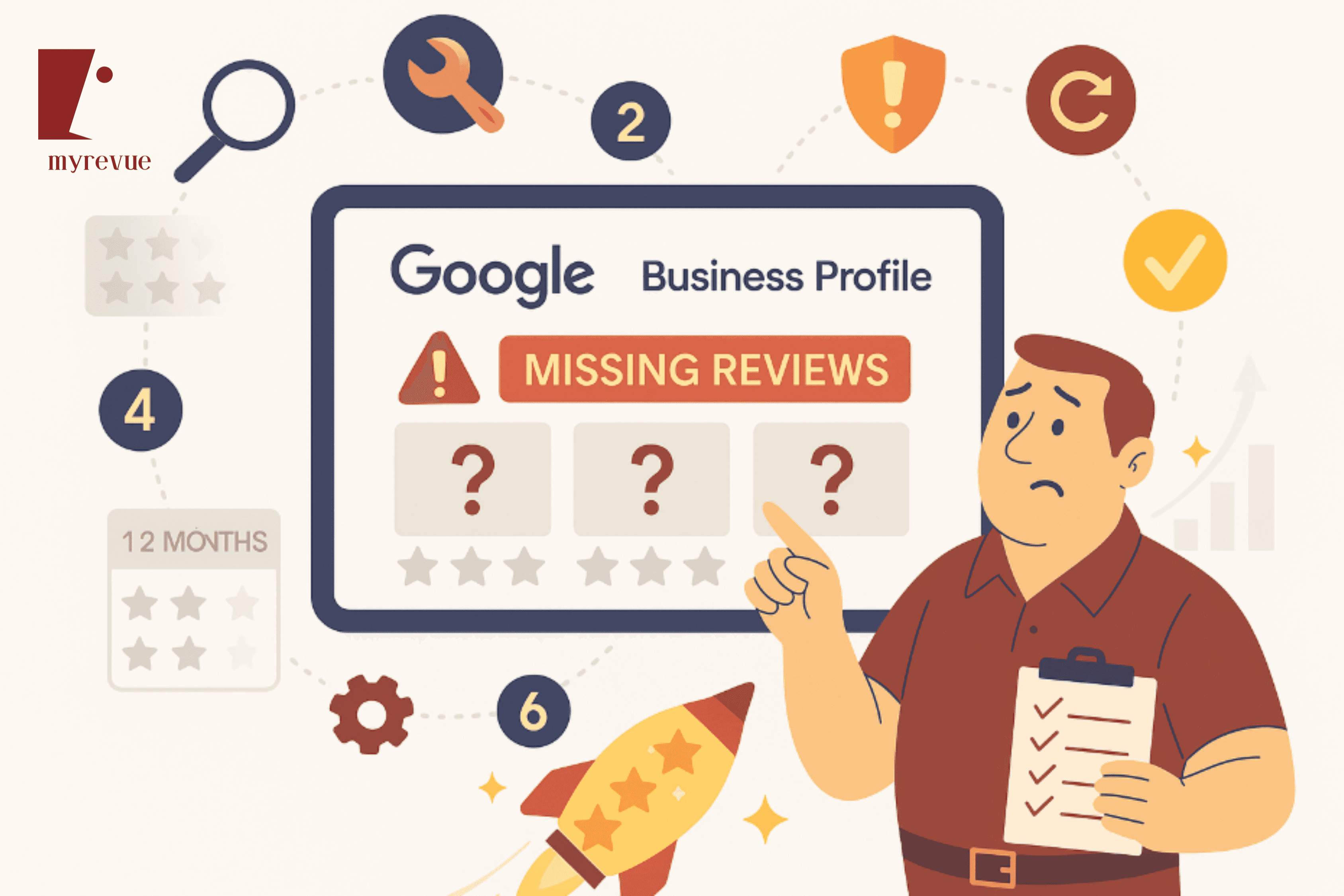
# Google Reviews Not Showing? 7 Fixes That Work in 2025
**Your customers left reviews. You saw the notification. But now they have vanished. Here is why—and how to fix it in 10 minutes.**
---
Nothing is more frustrating than this:
A happy customer leaves you a glowing 5-star review. You get the notification. You are excited.
You check your Google Business Profile.
**The review is not there.**
You refresh. Still not there. You wait an hour. Nothing. You wait a day. Still missing.
**What is going on?**
Here is the truth: In 2025 Google filters aggressively removes and hides reviews more than ever before. Sometimes legitimately. Often by mistake.
The good news? **Most missing reviews can be recovered in under 10 minutes** once you know what to look for.
This guide reveals the 7 most common reasons reviews disappear—and the exact step-by-step fix for each one.
## The 2025 Reality: Google Reviews Disappear More Than Ever
Let me hit you with some numbers that will shock you:
**In February 2025 alone:**
- Thousands of UK businesses lost 10-50 reviews overnight
- Some businesses lost up to 200 reviews in a single week
- 73% of deleted reviews were 5-star ratings
- Most were legitimate reviews caught in Google spam filters
**This was not a one-time glitch.** Google confirmed it as a global technical issue affecting Business Profiles worldwide.
But even outside of major bugs like this here is what happens regularly:
**66% of deleted reviews had zero business responses.** This suggests that simply responding to reviews might prevent them from being filtered.
**Reviews typically appear within 1-2 hours** of posting. If they do not show up after 5 days they were likely filtered or removed.
**Google spam filter gets stricter every year** to fight fake reviews. Unfortunately legitimate reviews get caught too.
**The pattern:** Too many reviews too fast. Reviews from new accounts. Reviews with certain keywords. All trigger filters.
Bottom line: **If you are not actively monitoring and fixing missing reviews you are losing valuable social proof daily.**
## How to Tell If Your Reviews Are Actually Missing
Before we fix anything let us confirm the reviews are actually gone and not just hiding.
### Quick Check Method (2 Minutes)
**Step 1:** Log into your Google Business Profile dashboard at https://business.google.com
**Step 2:** Click on Reviews in the left menu
**Step 3:** Check your total review count
**Step 4:** Open Google Maps in incognito mode
**Step 5:** Search for your business
**Step 6:** Compare the review count
**What you are looking for:**
- Dashboard shows 47 reviews
- Public profile shows 42 reviews
- **Missing: 5 reviews**
If the numbers do not match your reviews are being filtered or hidden.
### Advanced Check Method (5 Minutes)
Sometimes reviews are visible in Maps but not in Search or vice versa.
**Check all 3 locations:**
1. **Google Search** - Search your business name
2. **Google Maps** - Search in Maps app or maps.google.com
3. **Business Dashboard** - business.google.com
If the review counts differ across these platforms you have filtering issues.
**Pro tip:** Set up email alerts in your dashboard to get notified immediately when reviews are posted or removed. This catches issues early.
---
## Fix 1: Google Spam Filter (Most Common Reason)
**Problem:** Google filters flag legitimate reviews as spam.
**Why it happens:**
- Review came from a new Google account (less than 6 months old)
- Customer left reviews on multiple businesses same day
- Too many positive reviews in short time period
- Review contains certain trigger words or links
**How to identify:**
- Review appeared briefly then disappeared
- Customer confirms they left the review
- Review visible to customer but not to you or public
### The 10-Minute Fix:
**Step 1:** Contact the customer who left the review
Ask them to check if the review is still visible on their end. Often filtered reviews still show to the reviewer.
**Step 2:** Report to Google Support
- Go to https://support.google.com/business
- Click Get Support
- Select Reviews then Review not showing
- Provide: Business name Maps URL review details date posted
**Step 3:** Document everything
Take screenshots of:
- The customer confirmation they left the review
- Your Business Profile showing missing review
- The notification email if you received one
**Step 4:** Submit appeal through Google Business Profile
- Log into business.google.com
- Go to Reviews section
- Look for flagged or filtered reviews
- Click Appeal if option appears
**Timeline:** Appeals typically resolve in 3-10 days. Be patient. Legitimate reviews usually get restored.
**Prevention:** Encourage customers to add detail to their reviews (not just stars). Detailed reviews with specific mentions get filtered less.
---
## Fix 2: Policy Violations (Review Content Issues)
**Problem:** Review violates Google content policies and was removed.
**Common violations:**
- Contains profanity or offensive language
- Includes promotional content or links
- Mentions competitors by name
- Has personal information (phone numbers emails addresses)
- Written by employee or competitor (conflict of interest)
- Incentivized review (offered discount in exchange)
**How to identify:**
- Review permanently removed (not just hidden)
- Google sent email notification about policy violation
- Review disappeared immediately after posting
### The 10-Minute Fix:
**Step 1:** Check if Google sent violation notification
Search your email for messages from Google My Business about review removals. The email will specify which policy was violated.
**Step 2:** Understand what went wrong
Read Google review policies: https://support.google.com/contributionpolicy/answer/7400114
**Step 3:** Contact the customer (if appropriate)
If the review had minor issues (like a link) ask them to repost without the problematic content.
**Example message:**
Hi [Name] - Thank you so much for your recent review! Unfortunately Google removed it because it contained a link. Would you mind reposting without the link? Here is the direct review link: [your link]. Really appreciate your support!
**Step 4:** Prevention for future reviews
In your review request emails include guidance:
- Please do not include links or promotional content
- Share your genuine experience in your own words
- Avoid mentioning competitor names
**Important:** If the review was removed for conflict of interest (employee review) or fake review (incentivized) **it cannot and should not be restored.** These are legitimate removals.
---
## Fix 3: Duplicate Business Listings (Split Reviews)
**Problem:** Your reviews are scattered across multiple Google Business Profile listings.
**Why it happens:**
- You created multiple profiles by accident
- Previous owner created duplicate listing
- Google auto-generated duplicate from third-party data
- Business moved locations and new profile created
**How to identify:**
- Your review count seems too low
- Some reviews show on Maps but not Search
- Customers say they left reviews but you cannot find them
- Multiple versions of your business appear in search
### The 10-Minute Fix:
**Step 1:** Search for duplicate listings
- Open Google Maps
- Search your exact business name
- Look for multiple pins at different locations
- Check for spelling variations or old addresses
**Step 2:** Identify the primary listing
Determine which listing has:
- Most reviews
- Correct current address
- Most accurate information
- Your verified ownership
**Step 3:** Request duplicate removal
- Go to https://support.google.com/business
- Select Merge or delete duplicate Business Profiles
- Provide URLs of both listings
- Specify which one should remain
**Step 4:** Wait for merge (3-7 days)
Google will merge the profiles and combine all reviews onto the primary listing. This typically happens within a week.
**Prevention:** Only create ONE Business Profile per location. If you move update the existing profile rather than creating a new one.
---
## Fix 4: Unverified or Inactive Business Profile
**Problem:** Your Business Profile is not verified or has been marked inactive.
**Why it happens:**
- You never completed verification process
- Verification lapsed after business changes
- Profile marked as permanently closed by mistake
- Long period of inactivity
**How to identify:**
- Reviews do not appear publicly
- Your business does not show in local searches
- Dashboard shows unverified status
- Limited profile features available
### The 10-Minute Fix:
**Step 1:** Check verification status
- Log into business.google.com
- Look for Verify now banner or warning
- Check if profile shows as verified
**Step 2:** Complete or re-verify
- Click Verify button
- Choose verification method: postcard phone email video
- **Fastest:** Phone or email (instant to 24 hours)
- **Slowest:** Postcard (5-14 days)
**Step 3:** Ensure profile is marked as open
- Go to Business information
- Check Hours section
- Ensure not marked as Permanently closed or Temporarily closed
- Update hours if incorrect
**Step 4:** Wait for verification to process
Once verified reviews should become publicly visible within 24-48 hours.
**Prevention:** Keep your Business Profile actively managed. Log in at least monthly. Respond to reviews. Post updates. Active profiles have fewer issues.
---
## Fix 5: Customer Deleted Their Google Account
**Problem:** The customer who left the review deleted or deactivated their Google account.
**Why it happens:**
- Customer closed their Google account
- Account suspended by Google for violations
- Customer switched to different account
- Privacy concerns led to account deletion
**How to identify:**
- Review disappeared without warning
- Review was there for weeks or months then vanished
- Multiple reviews from same account all disappeared
- No Google notification about removal
### The 10-Minute Fix:
**Unfortunately this one cannot be fixed.** When a Google account is deleted all associated reviews are permanently removed.
**What you CAN do:**
**Step 1:** Try to contact the customer (if you have their details)
Politely explain their review disappeared because their account was deleted. Ask if they would be willing to leave a new review from their current account.
**Step 2:** Strengthen your review generation process
You cannot control customer account deletions. But you can control volume.
**The math:** If you lose 2-3 reviews per year to account deletions but generate 10-15 new reviews per month the loss is negligible.
**Prevention:** Focus on consistent review velocity. A steady flow of new reviews makes occasional losses irrelevant.
**Pro tip:** This is why automation matters. My Revue ensures you always have new reviews coming in to replace any that disappear for any reason.
---
## Fix 6: Technical Glitches and System Updates
**Problem:** Google system bugs or updates temporarily hide reviews.
**Why it happens:**
- Google rolls out platform updates
- Database synchronization delays
- Server issues during high traffic
- Algorithm changes being tested
- Temporary API failures
**How to identify:**
- Reviews disappeared suddenly for many businesses
- Google community forums show similar complaints
- Reviews visible in dashboard but not publicly
- Problem affects multiple locations or businesses
### The 10-Minute Fix:
**Step 1:** Check if it is widespread
- Search Google Business Profile Community forums
- Check Google My Business Twitter/X account
- Look for announcements about known issues
- Search recent news about Google review problems
**Step 2:** Wait 24-48 hours
Most technical glitches resolve automatically within 1-2 days. **Do not panic immediately.**
**Step 3:** Monitor official Google channels
- https://support.google.com/business/community
- Google Business Profile Help Twitter account
- Google Workspace Status Dashboard
**Step 4:** Report if problem persists beyond 48 hours
- Go to Google Business Profile support
- Select Technical issue
- Provide details and screenshots
- Get case number for tracking
**Real example:** In February 2025 businesses lost hundreds of reviews due to a confirmed Google bug. Most reviews were restored within 7-14 days after Google acknowledged and fixed the issue.
**Prevention:** Unfortunately you cannot prevent Google technical issues. But you CAN mitigate impact by maintaining high review velocity. Even if you lose 20 reviews to a bug you recover quickly if you are generating 10-15 per month.
---
## Fix 7: Reviewer Account Is Too New or Suspicious
**Problem:** Reviews from brand new Google accounts are automatically filtered.
**Why it happens:**
- Google does not trust accounts less than a few months old
- New account with zero review history raises red flags
- Account created same day as review looks suspicious
- Pattern suggests fake review campaign
**How to identify:**
- Review came from a customer who just created Google account
- Account has no other reviews or Google activity
- Review disappeared within hours of posting
- Customer is not a local guide or active Google user
### The 10-Minute Fix:
**Step 1:** Ask customer to build account credibility
Politely message the customer:
Hi [Name] - Thank you for your review! Google sometimes filters reviews from new accounts. To help it show up could you: Leave 2-3 reviews on other businesses you have visited recently. Add a profile photo to your Google account. Use your account for a week then try posting the review again. This helps Google verify you are a real person. Thanks for understanding!
**Step 2:** Wait 1-2 weeks then request again
Once the customer account has some history their review is more likely to stick.
**Step 3:** Focus on customers with established Google accounts
When possible prioritize review requests to:
- Customers who are local guides (they have badges)
- Long-time customers who likely have older accounts
- Repeat customers who use Google services regularly
**Prevention:** While you cannot control customer account age you CAN increase volume so a few filtered reviews do not hurt you.
**The solution:** Get 15 reviews per month. Even if 2-3 get filtered from new accounts you still net 12+ reviews.
---
## The Prevention Strategy: Stop Missing Reviews Before They Happen
Fixing missing reviews is reactive. **Prevention is better.**
Here is how to minimize review disappearances:
### 1. Maintain Active Profile
- Respond to every review within 24 hours
- Post updates weekly (photos products news)
- Keep business information accurate
- Log in and check dashboard at least weekly
**Why it works:** Active profiles get better treatment from Google algorithms. 66% of deleted reviews had zero responses.
### 2. Guide Customers on Review Best Practices
Include this in your review requests:
**How to leave a helpful review:**
- Share your specific experience in your own words
- Mention what you liked about our service
- Do not include links phone numbers or promotional content
- Keep it genuine and detailed (2-3 sentences minimum)
### 3. Build Review Velocity
**The math:**
- Get 2 reviews/month → Lose 1 to filter → Net 1 review (bad)
- Get 12 reviews/month → Lose 2 to filter → Net 10 reviews (good)
High velocity makes occasional losses irrelevant.
### 4. Diversify Review Requests
Do not ask all customers on the same day. Spread requests throughout the week. Natural timing looks less suspicious to Google filters.
### 5. Use Automation
Manual review requests are inconsistent. You forget. You get busy. You stop asking.
**Automation ensures:**
- Every customer gets asked (100% consistency)
- Perfect timing (24-48 hours after service)
- Professional messaging (no mistakes)
- Automatic follow-up (doubles conversion)
**This is exactly what My Revue does.** Set it once. Reviews flow consistently. Missing reviews become rare because volume is high.
---
## Why My Revue Prevents Missing Reviews
Let me be direct about this.
**The real problem is not that reviews disappear. The problem is that you do not have enough review velocity to absorb the losses.**
Think about it:
**Scenario A (Manual - Low Velocity):**
- You get 2-3 reviews per month
- 1 review gets filtered
- You lost 33-50% of your reviews
- **Devastating impact**
**Scenario B (Automated - High Velocity):**
- You get 12-15 reviews per month
- 2 reviews get filtered
- You lost 13-17% of your reviews
- **Barely noticeable**
### What My Revue Does Differently:
**Consistent Volume**
- Automatically requests reviews from every customer
- Maintains 10-15 reviews per month velocity
- Makes occasional losses irrelevant
**Quality Requests**
- Sends professional guidance on how to leave good reviews
- Reduces policy violations through customer education
- Timing optimization reduces spam filter triggers
**Active Profile Signals**
- Reminds you to respond to reviews
- Keeps your profile active and engaged
- Signals to Google you are a legitimate active business
**Early Detection**
- Dashboard shows review flow trends
- Alerts when velocity drops
- Catches issues before they become problems
### Real Results:
**Before My Revue we would lose 1-2 reviews per month to Google filters. It was devastating because we only got 3-4 total. Now we get 12-14 per month so even if 1-2 disappear we still net 10+. Problem solved.**
— David M. Leeds Electrician
**I used to stress about every missing review. Now I do not even notice because we have such high volume. My Revue generates more reviews than Google can filter.**
— Emma R. Manchester Salon
Start building review velocity that absorbs any losses: https://myrevue.co.uk/get-started
---
## Your Action Plan: Fix Missing Reviews Today
Here is exactly what to do right now:
### Next 10 Minutes:
**Step 1:** Check if you have missing reviews
- Compare dashboard count to public profile count
- Check all 3 places (Search Maps Dashboard)
**Step 2:** Identify which fix applies
- Review the 7 reasons above
- Determine root cause for your situation
**Step 3:** Implement the appropriate fix
- Follow the step-by-step instructions
- Document everything with screenshots
### Next 24 Hours:
**Step 4:** Contact affected customers
- Let them know review did not appear
- Ask them to check on their end
- Get confirmation they left it
**Step 5:** Report to Google if needed
- Submit support request with documentation
- Get case number for tracking
### Next 7 Days:
**Step 6:** Monitor for resolution
- Check daily for review restoration
- Follow up with Google support if needed
**Step 7:** Implement prevention strategy
- Set up My Revue automation
- Increase review request volume
- Respond to all reviews within 24 hours
**The goal:** Build such strong review velocity that occasional missing reviews become irrelevant background noise.
---
## Frequently Asked Questions
### How long does it take for a Google review to show up normally?
Most reviews appear within 1-2 hours of posting. Reviews pending manual review can take 3-5 days. If a review has not appeared after 5 days it was likely filtered or removed.
### Can I recover a review that violated Google policies?
No. Reviews removed for legitimate policy violations (profanity fake reviews incentivized reviews conflict of interest) cannot be restored. Focus on preventing future violations by guiding customers on proper review content.
### Why do some reviews show on Maps but not Search?
This indicates synchronization issues between Google platforms. Usually resolves within 24-48 hours. If it persists beyond 3 days report to Google support as a technical issue.
### How do I know if a missing review is permanently deleted or just filtered?
Filtered reviews may reappear after Google review. Deleted reviews are permanent. Check with the customer—if the review still shows on their end it is filtered not deleted. If gone for them too it was deleted.
### What percentage of reviews typically get filtered?
Industry average: 2-5% of legitimate reviews get filtered. During major Google updates or bugs this can spike to 10-20%. High review velocity makes these losses manageable.
### Should I ask customers to repost deleted reviews?
Only if the deletion was due to technical error or filter mistake. Never ask customers to repost reviews that were removed for policy violations. That could result in your Business Profile being suspended.
---
## Stop Losing Reviews. Start Building Velocity.
Here is the reality:
**You cannot prevent all review disappearances.** Google filters will always catch some legitimate reviews. Technical glitches will happen. Customer accounts will be deleted.
**But you CAN make these losses irrelevant** by building such strong review velocity that losing 2-3 reviews per month does not even register.
**The businesses that win:**
- Generate 10-15 new reviews per month consistently
- Lose 1-2 to filters or glitches
- Still net 8-13 reviews per month
- Barely notice the losses
**The businesses that struggle:**
- Generate 2-3 reviews per month manually
- Lose 1 to filter or glitch
- Net 1-2 reviews per month
- Every loss is devastating
**Which business do you want to be?**
My Revue turns you into the first business. Automated consistent unstoppable review flow.
**Start your free trial:** https://myrevue.co.uk/get-started
**No credit card required. Setup in 15 minutes. Build review velocity that absorbs any losses.**
---
**The UK businesses dominating local search in 2025 do not worry about missing reviews. They generate so many that occasional losses are irrelevant. Join them.**
Get started with My Revue: https://myrevue.co.uk